- What you'll learn
- Which useful features each app includes without a subscription.
- How their food databases differ, and why missing nutrient data matters.
- How they handle everyday meals, macro targets and nutrition reports.
- What the paid plans cost and which upgrades are worth considering for your needs.
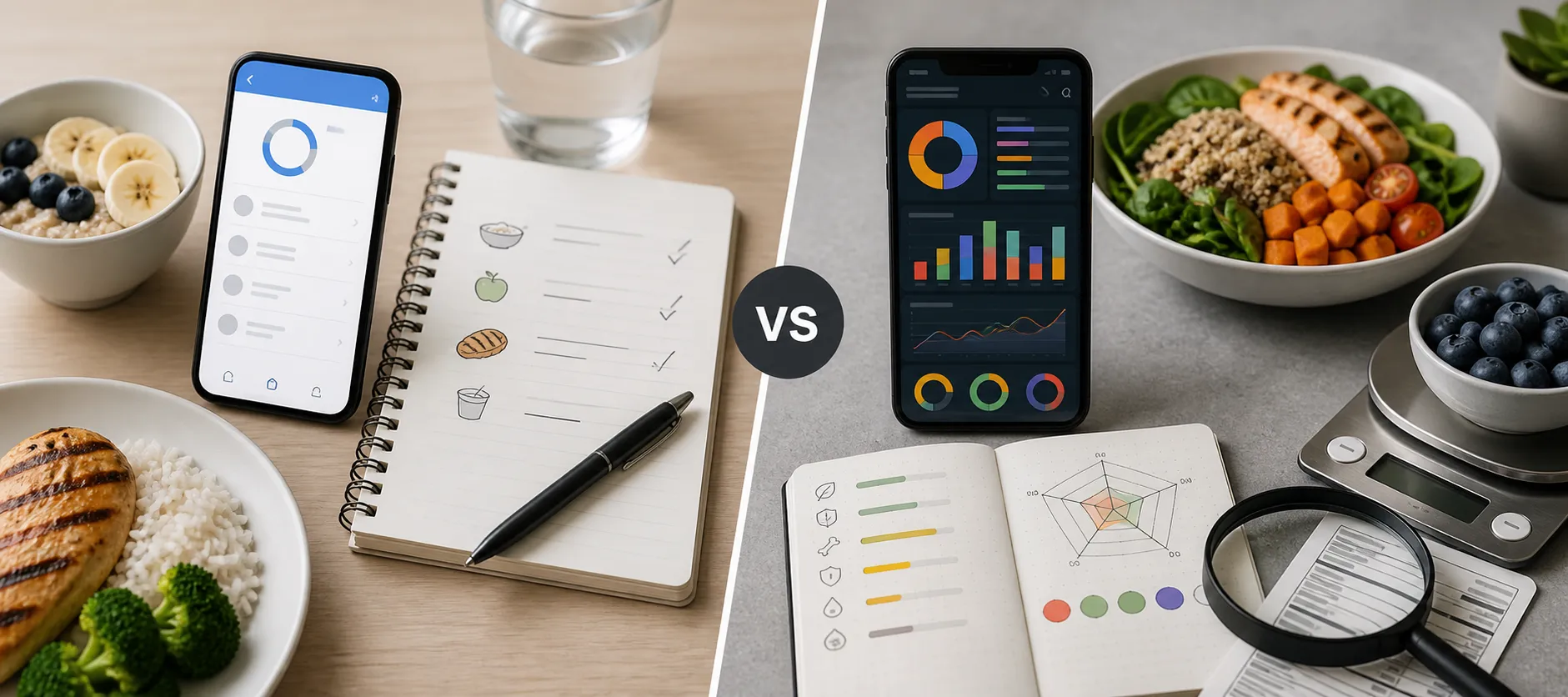
The real MyFitnessPal vs Cronometer choice is not simply convenience versus detail. Both can record everyday meals and track calories and macros. The differences become more useful when you look at the features you need, the foods you eat and what you are willing to pay.
Cronometer is a strong starting point for free barcode scanning and detailed nutrient tracking. MyFitnessPal is worth considering if its food search and saved meals suit your routine, or if you want its paid logging tools and meal planning. Neither app earns an automatic win on ease of use just because one has a larger database or the other shows more nutrients.
The short answer: compare the features you will actually use
Here are the main distinctions, with the subscription boundaries included:
| What matters to you | MyFitnessPal | Cronometer |
|---|
| Free everyday logging | Food diary, calorie and macro tracking, custom meals and recipes | Food diary, calorie and macro tracking, custom foods, meals and recipes |
| Barcode scanning | Listed as a Premium feature | Included in Basic |
| Macro goals | Free percentage-based targets; gram-based goals in Premium | Custom macro targets included in Basic |
| Nutrient detail | Includes nutrient totals as well as macros | Broader micronutrient tracking is a central feature |
| Repeat meals | Recent and frequent foods, saved meals | Custom meals and recipes; scheduled Repeat Items in Gold |
| Paid emphasis | Logging shortcuts and goal controls; Premium+ adds Meal Planner | Extended analysis, scheduling and additional logging tools |
These distinctions come from MyFitnessPal's free-plan documentation, its Premium feature list, and Cronometer's Basic and Gold comparison.
For someone who scans several packaged foods each day and wants to avoid a subscription, the barcode row may settle the choice. For someone who has years of useful meals saved in MyFitnessPal, starting over may matter more than an extra report.
If your main concern is choosing a comfortable calorie diary rather than detailed nutrient analysis, our MyFitnessPal vs Lose It comparison covers another option.
Food database quality is not the same as food database size
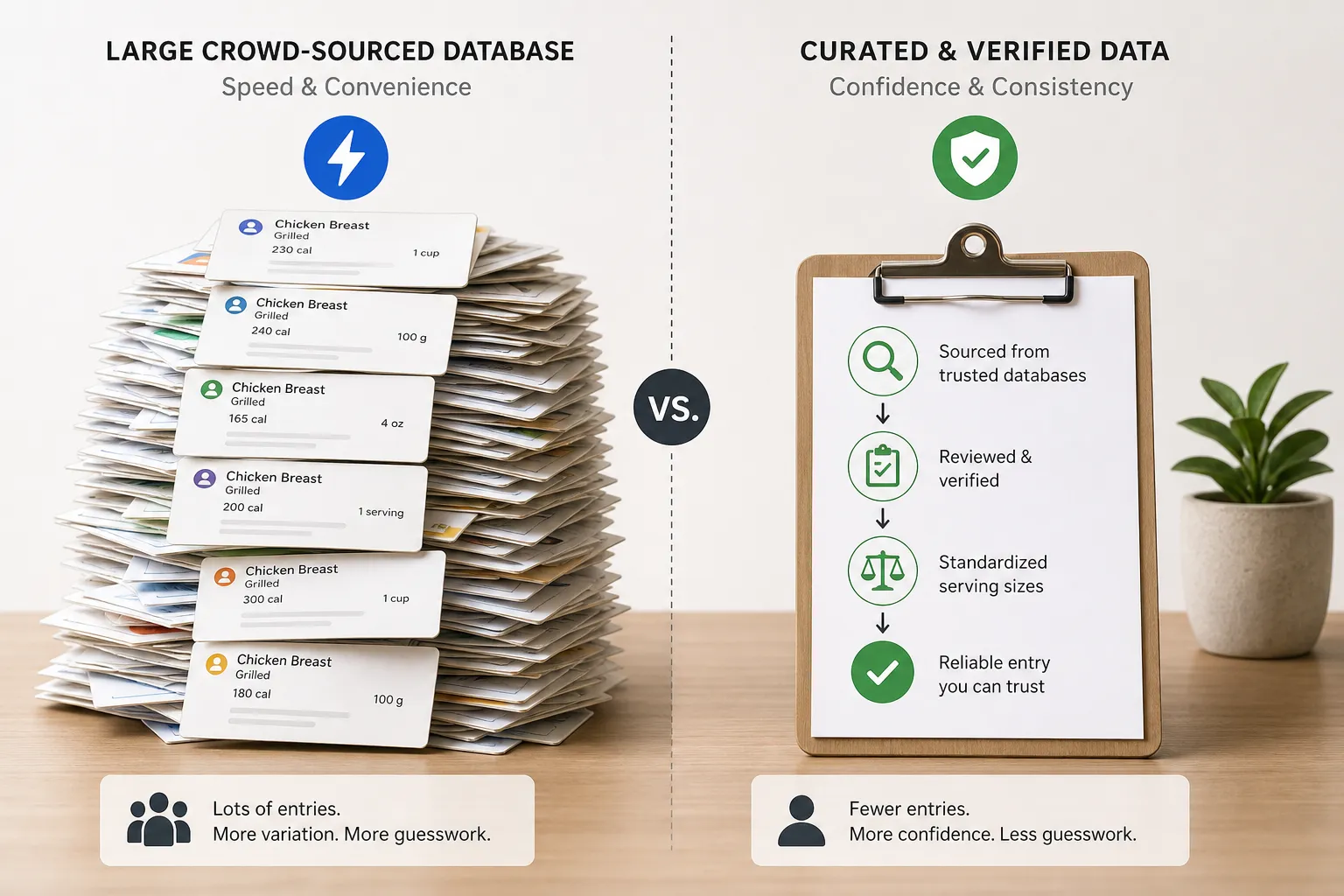
Database breadth and entry reliability solve different problems. A large selection helps only when you can identify the entry that matches your food. A carefully checked entry helps only when its serving and preparation match what you ate.
MyFitnessPal's database includes foods added by the company and by members. It also uses check marks for entries it has reviewed or added and considers accurate and complete. Its explanation of check-marked foods explicitly acknowledges that those entries can still contain mistakes. An unchecked food is not automatically wrong either.
Cronometer says its team reviews user-submitted foods before adding them to the shared database. Its data-source guide distinguishes detailed food-composition sources, such as NCCDB and USDA, from entries based on product labels.
That distinction matters more than the word "verified." A branded cereal entry may faithfully reproduce its label without providing a complete vitamin and mineral profile. Verification can establish that the available information was copied correctly; it cannot supply nutrients the source never reported.
The USDA's FoodData Central documentation makes a similar distinction between analytically derived food data and branded-food information supplied from labels. Not every entry in a recognized database has the same depth of information.
For packaged foods, compare the product and serving against your label. For generic ingredients, pay attention to the description: raw or cooked, drained or undrained, with or without added fat. A verified entry for cooked rice will still give the wrong result if you weigh dry rice and use that weight.
Cronometer has a clearer advantage when you want to inspect nutrient sources and choose detailed generic-food entries. MyFitnessPal may still contain the exact branded or restaurant item you need. The useful test is whether your usual foods have suitable entries, rather than which app advertises the biggest total.
Everyday logging: both apps support meals you eat repeatedly
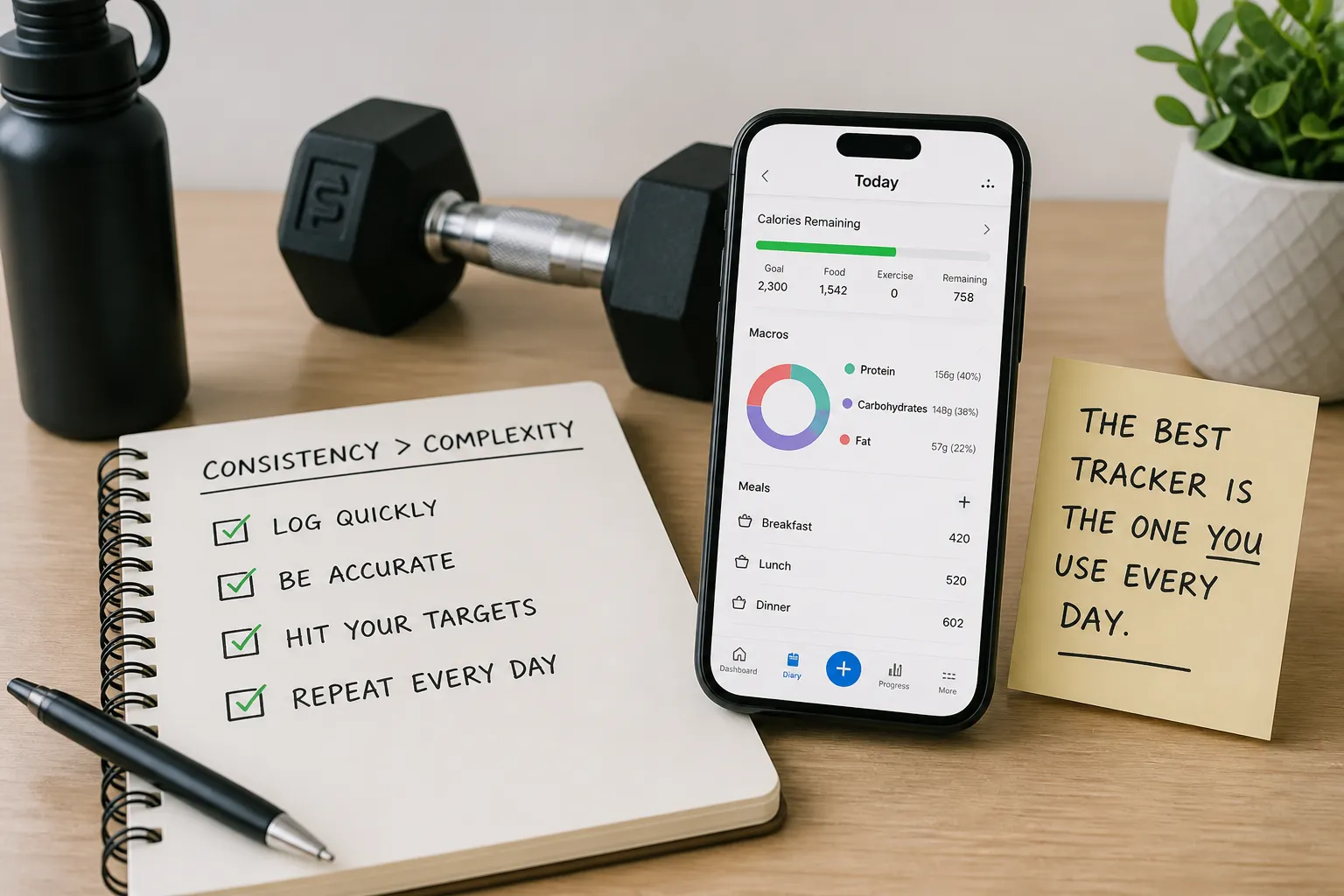
Neither app requires you to rebuild breakfast from scratch every morning. MyFitnessPal includes recent and frequent foods alongside saved meals and recipes. Cronometer also lets you save custom meals and recipes, as its Foods tab guide explains.
A meal and a recipe solve slightly different problems. You might save toast, yogurt and coffee together as a breakfast, while a homemade casserole needs ingredient quantities and a serving yield. Having the right foods stored once can matter more to your routine than how many search results appeared on the first day.
Cronometer's scheduled Repeat Items are a Gold feature. That is different from manually reusing a saved meal: paying adds scheduling convenience, rather than making repeated meals possible for the first time.
Both also advertise paid camera and voice entry options. MyFitnessPal includes Meal Scan and Voice Log in Premium; Cronometer lists Photo Log and Voice Log under Gold. Those tools provide another way to begin an entry, but their existence does not establish which app will finish your particular meal faster.
For a useful comparison, enter a typical breakfast, a packaged lunch and a dinner you cook. Notice whether the foods are easy to find, whether serving units make sense and how much work it takes to record the meal again. That reveals more about daily convenience than assuming Cronometer must be slow because it has detailed reports.
For calories and macros, goal controls can make the difference
Both apps can track calories, protein, carbohydrates and fat. You do not need to buy the highest subscription tier simply to see those totals.
MyFitnessPal's free macro targets use percentages in five-percentage-point increments. Premium adds gram-based goals and different goals by day. Cronometer includes custom macro and micronutrient targets in Basic; its Macro Scheduler is part of Gold.
The difference is practical if you already have a specific protein target. A percentage-based target changes with the calorie allowance, while a gram target expresses the amount directly. Neither approach is automatically better, but the app should support the way you intend to set your goals.
For example, someone who uses the same targets daily has different needs from someone who deliberately sets different targets for training and rest days. The latter may value scheduling; the former may have little reason to pay for it.
Once your targets are set, the quality of the diary still depends on what you enter. Saving an incorrect serving makes it convenient to repeat the same error. Check your regular meals when you create them, then reuse entries that reflect your actual portions.
Our guide on how to track macros covers building that routine after you choose an app.
Micronutrients and reports are where Cronometer stands out
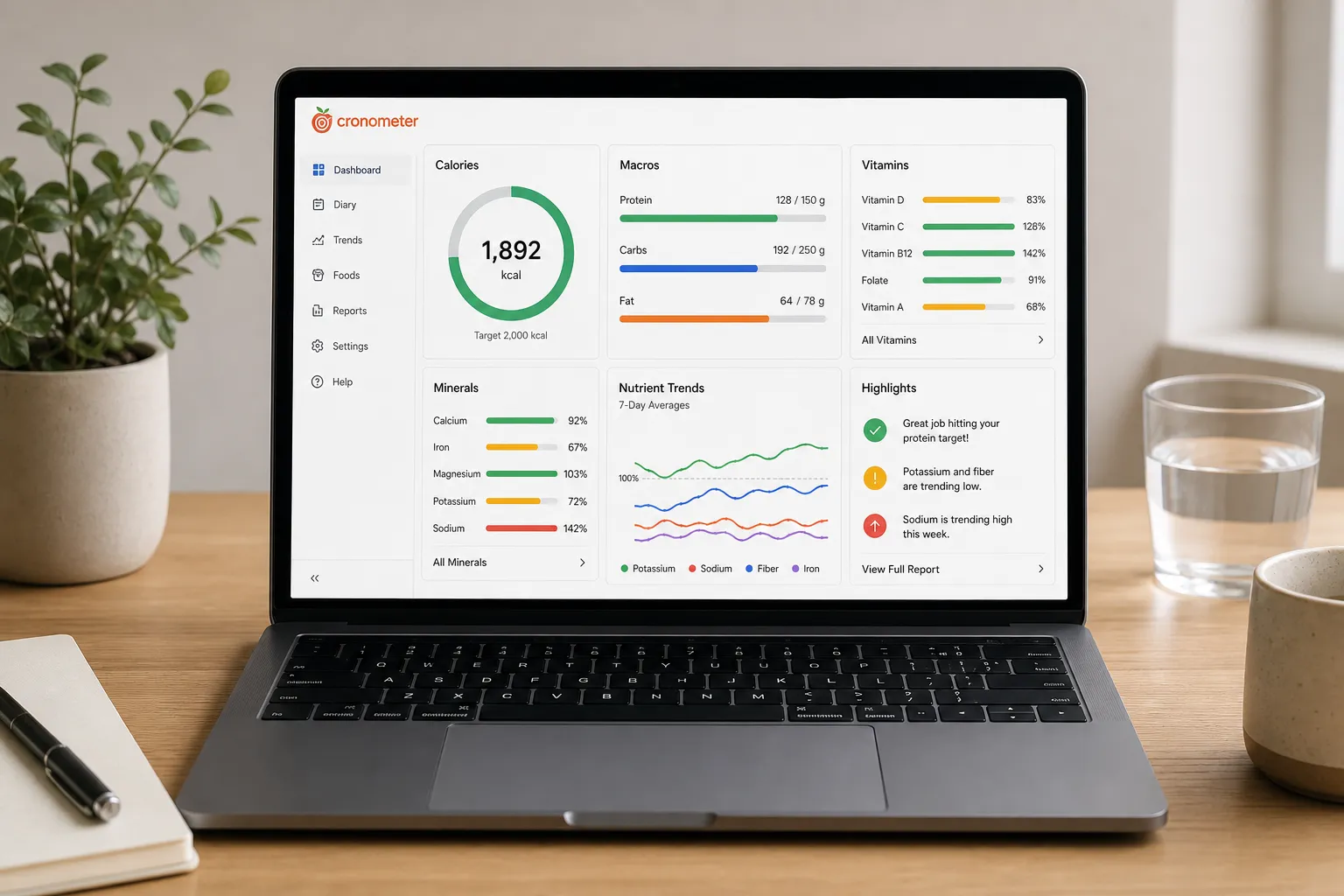
Two days can have similar calories and protein while differing substantially in fiber, sodium, vitamins and minerals. Cronometer is the stronger candidate when those differences are a main reason you want a food diary.
MyFitnessPal does show micronutrient information; it is not limited to calories and macros. Cronometer's distinction is the breadth of its nutrient tracking and the tools for examining those details, rather than being the only app with a nutrient view.
What the free reports tell you
Cronometer's Nutrition Report documentation says Basic users can review the preceding week, while Gold allows custom date ranges. The report shows average daily nutrition and can exclude supplements or incomplete days.
Those settings affect the interpretation. Including a day when you logged only breakfast can lower an average for reasons unrelated to what you actually ate. Separating food from supplements can also help you see which part of your intake comes from meals.
You therefore do not need Gold merely to start examining your recent nutrient intake. The upgrade becomes more relevant when you want to investigate longer periods or use additional analysis tools.
Missing information is not the same as a missing nutrient
More charts do not fix incomplete food entries. If a product record lists calories and macros but omits several micronutrients, your diary cannot reliably describe those missing values.
Before interpreting a low nutrient total as a pattern in your diet, check the underlying foods and whether the days were fully logged. Cronometer's source labels make that investigation useful, but they do not remove the need for it.
The benefit of detailed tracking is being able to ask better questions about your meals. A longer nutrient list is only valuable when the information behind it is suitable for those questions.
Pricing: what the paid plans add
The published US-dollar prices below were checked in September 2026. Monthly and annual plans are separate billing options; regional prices, store offers and promotions can differ.
| Plan | Monthly billing | Annual billing | Main reason to upgrade |
|---|
| MyFitnessPal Free | $0 | $0 | Basic food and nutrition tracking |
| MyFitnessPal Premium | $19.99 | $79.99 | Barcode, photo and voice logging; more goal controls; no ads |
| MyFitnessPal Premium+ | $24.99 | $99.99 | Premium features plus personalized meal planning and grocery lists |
| Cronometer Basic | $0 | $0 | Barcode scanning, custom targets and detailed nutrient tracking |
| Cronometer Gold | $10.99 | $59.99 | Extended analysis, scheduling, extra logging tools and no ads |
MyFitnessPal publishes its prices in its membership overview. Cronometer lists its monthly and annual starting prices in its company information, alongside its Gold feature comparison.
Cronometer Gold costs less than MyFitnessPal Premium at these published rates, but the more useful saving may be not needing to upgrade at all. If barcode scanning and ordinary nutrient tracking cover your needs, Cronometer Basic already supplies them.
MyFitnessPal Premium is more relevant when you want its logging shortcuts or additional goal controls. Premium+ adds a different job: deciding what to cook and organizing the groceries. Paying for that tier makes more sense when meal planning is part of the problem you want to solve, rather than simply recording meals afterward.
For data access, there is another difference. MyFitnessPal lists data export as a Premium feature, while Cronometer's subscription documentation includes raw-data export in Basic. Cronometer reserves additional presentation and analysis tools, including printable reports and custom charts, for Gold.
If you want more options before paying, our guide to free calorie tracking apps compares the alternatives.
Choose by goal, not by the longest feature list
Start with Cronometer Basic if you want free scanning or detailed nutrient tracking. You can evaluate those features without paying for the analysis upgrades. It is also a sensible candidate for someone who wants custom targets while keeping subscription costs down.
Consider MyFitnessPal if its food search and saved meals already work well for you. A familiar diary with reliable entries has practical value. Its paid plans become more interesting if you specifically want its logging tools or the Premium+ meal-planning workflow.
For macro-focused training, either can work. Decide whether you need fixed gram targets, different goals by day or simply a clear view of your totals. Those are more useful distinctions than assigning MyFitnessPal to all gym users and Cronometer to everyone interested in nutrition.
For examining diet quality over time, Cronometer is the stronger starting point. Begin with complete days and suitable food entries. Consider Gold when you have a specific use for longer report periods or custom analysis, rather than buying it because the free version appears too basic.
If neither app fits the routine you want, our guide to easier-to-use MyFitnessPal alternatives covers other approaches, including Kibora. That is a separate choice from deciding which of these two gives you the tools you need.
The most useful outcome is a diary you can maintain and understand. Compare the free versions with your normal meals first, then pay only for a feature that solves a problem you actually encounter.
- Key sources
- MyFitnessPal: free features, Premium features, membership pricing and checked food entries.
- Cronometer: Basic versus Gold, published pricing, food data sources, saved foods and meals, nutrition reports and subscription features and exports.
- USDA FoodData Central: food data types and their sources.