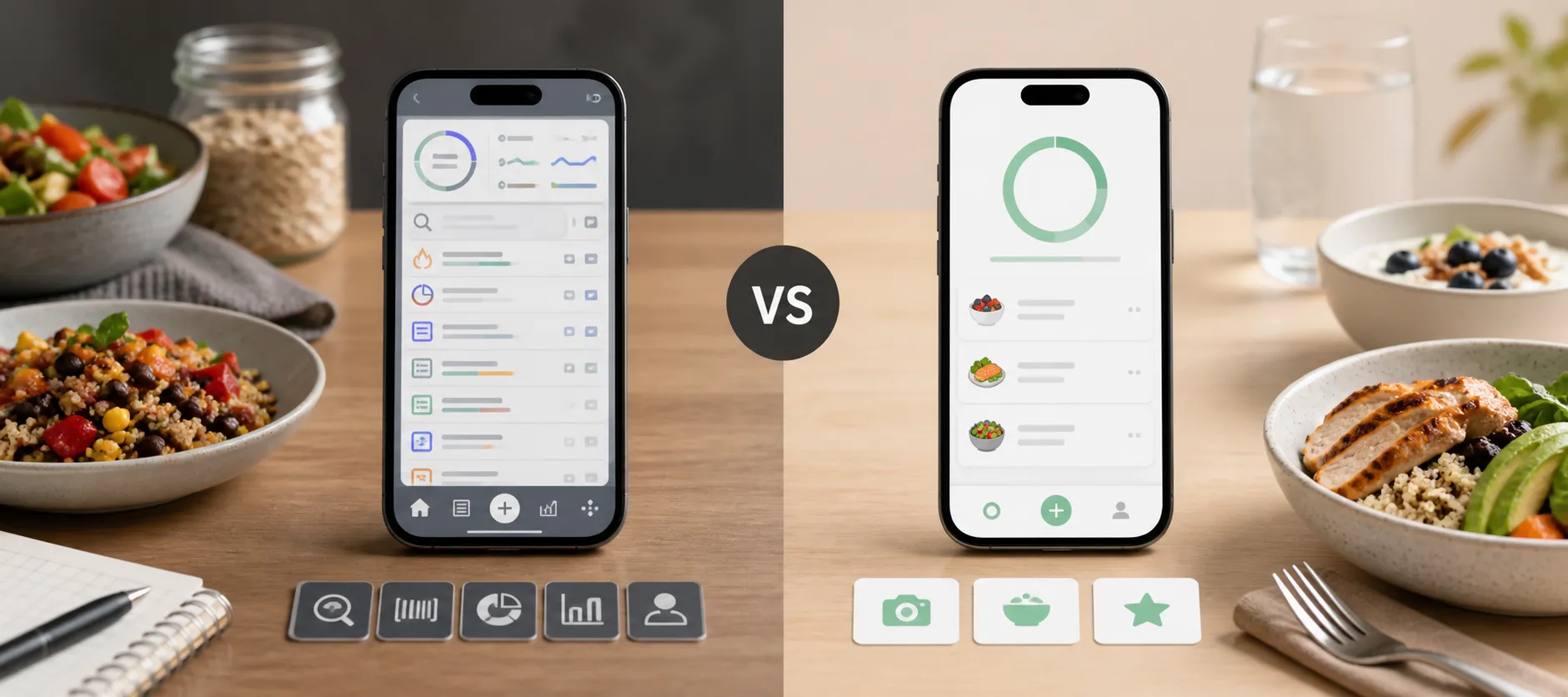
- What you'll learn
- How the two apps handle repeated meals, packaged foods and homemade recipes.
- Which logging tools are free and which require a paid plan.
- How their current prices, ad-removal options and user feedback affect the choice.
- When switching apps is likely to solve your everyday logging problem.
The MyFitnessPal vs Lose It decision often starts with a familiar frustration: you want to record lunch, but searching, adjusting portions and navigating the app takes more effort than you expected.
Both apps cover basic logging and charge for some shortcuts. The useful question is which one makes your routine easier.
For free calorie tracking with macro information, MyFitnessPal is a sensible starting point. Lose It is worth considering for its calorie-budget approach, repeat-meal shortcuts and separate ad-removal option. If scanning packages is essential, neither app's current standard free plan gives you that advantage.
The quick verdict: choose by the task that slows you down
The clearest differences are in what you can do without paying and what each upgrade adds:
| Your priority | MyFitnessPal | Lose It |
|---|
| Basic food logging | Free food diary, meals and recipes | Free calorie-budget and food-tracking tools |
| Repeating familiar meals | Recent and frequent foods, saved meals | Previous-meal shortcuts, food history and recipes |
| Barcode scanning | Premium | Premium |
| Macro targets | Free percentage-based goals; gram-based goals in Premium | Custom macro goals are Premium |
| Photo and voice entry | Premium | Premium |
| Removing interruptions | Premium removes third-party ads | A separate one-time ad-removal option is available; some promotions remain |
| Meal planning | Premium+ adds personalized plans and grocery lists | Premium lets you log foods for future dates |
MyFitnessPal documents its free features and Premium tools. Lose It's getting-started guide and membership breakdown explain its logging options and paid features.
For basic calorie awareness, either can do the job. MyFitnessPal has a free-plan advantage for percentage-based macro goals. Lose It's ad-removal option is more relevant if you are happy with basic logging but dislike advertisements.
An app can offer more settings without forcing you to use them. Equally, a cleaner-looking screen may still interrupt the action you need with a paywall. Our guide to minimalist calorie tracker apps explores simplicity as a wider priority.
Logging speed is where the difference shows up first
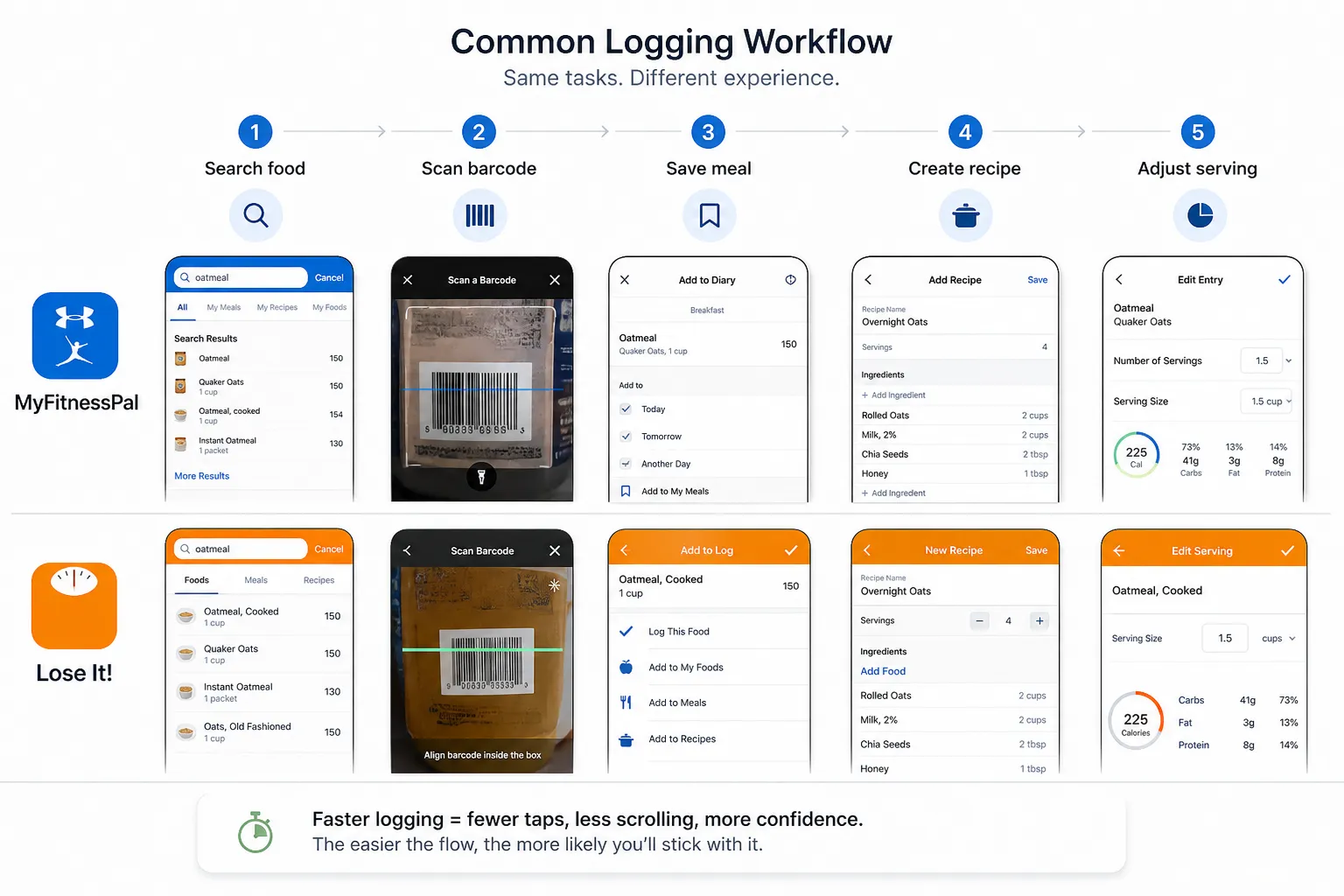
Logging speed is how quickly you can find a suitable entry, adjust the portion and save a useful record. The first search is only part of the task; what happens when you eat the same meal tomorrow matters too.
Familiar breakfasts and home-cooked meals
MyFitnessPal keeps recent and frequent foods available and lets you create your own meals and recipes. Lose It offers an Add Yesterday's Meal shortcut and a Meals tab where you can select foods from previously logged meals.
For an identical breakfast, copying the whole meal may be enough. If you keep the eggs but change the bread and drink, selecting individual foods is more useful.
Both let you build homemade recipes from ingredients. Web recipe importing is free in MyFitnessPal; Lose It requires Premium for importing. That matters if you regularly cook from online recipes, although you still need to check ingredient matches and servings.
Once a recipe is set up, the practical benefit comes from reusing it. A meal-prep lunch that takes a few minutes to enter once may be easier over the week than repeatedly searching for a vaguely similar ready-made dish.
Packaged foods and camera shortcuts
Both apps put barcode scanning behind Premium. If your reason for leaving MyFitnessPal is paying to scan packages, moving to a new free Lose It account is not a straightforward solution.
Their paid photo and voice features offer other ways to begin a meal entry. They are most useful when reviewing the result takes less effort than building the entry manually. Correcting a food or portion is still part of the job when the result does not match the meal.
For a simple test of usability, record a usual lunch, change one serving and find the saved meal again the next day. That exposes the steps you will repeat far more often than exploring every screen during setup.
A bigger food database is useful only when you find the right entry
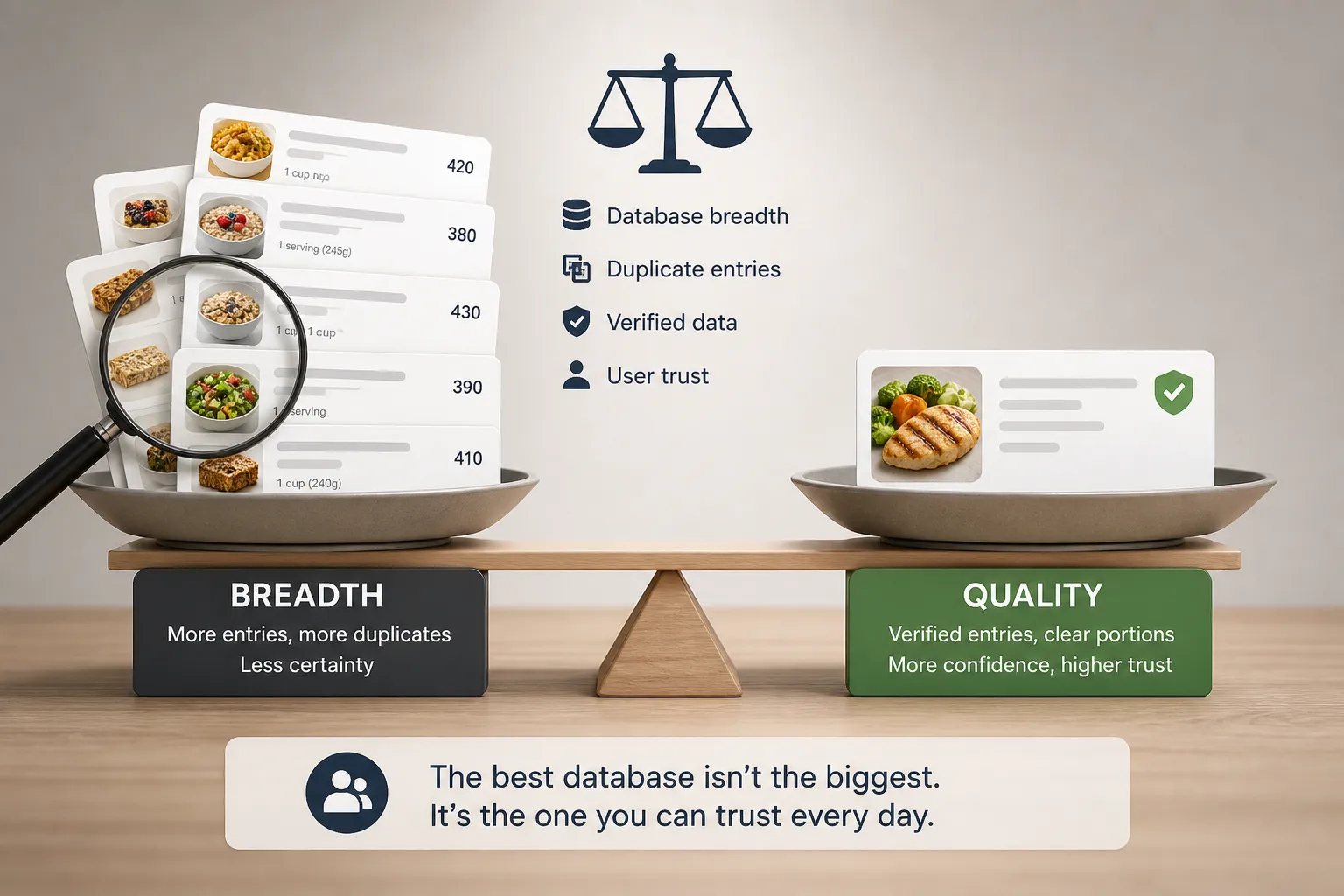
There is little value in declaring a winner from a headline database count. What matters is whether the app contains a suitable match for the foods you buy and makes that match easy to identify.
Both apps mix different food sources and both have checked entries. MyFitnessPal explains that its check-marked foods have been reviewed or added by the company, while acknowledging that mistakes can remain.
Lose It's food-data documentation describes USDA-derived foods, member uploads and barcode entries. It offers a verified-food filter and lets you edit incorrect nutrition information while logging.
In either app, similar names can refer to different products, preparation methods or serving sizes. A familiar-looking result is not necessarily the right match.
For packaged foods, compare the nutrition and serving against the label. For restaurant food, look for the actual item rather than the first similar dish. When cooking at home, a saved recipe built from your ingredients can be more useful than a generic entry for the finished meal.
If one app already has reliable entries for your regular foods, that is a reason to value the setup you have. Switching means finding or rebuilding those entries, not just installing another interface. This matters for calories and for macro tracking accuracy.
Free versus paid: what convenience actually costs
Both standard US Premium plans cost $79.99/year, based on published prices checked in September 2026. Regional prices and account offers can differ.
| Plan | Published price | Main reason to choose it |
|---|
| MyFitnessPal Free | $0 | Basic logging, recipes and percentage-based macro targets |
| MyFitnessPal Premium | $19.99/month or $79.99/year | Barcode, photo and voice entry; extra goal controls |
| MyFitnessPal Premium+ | $24.99/month or $99.99/year | Premium plus personalized meal plans and grocery lists |
| Lose It Basic | $0 | Calorie-budget and basic food tracking |
| Lose It Premium | $79.99/year | Logging shortcuts, custom nutrient goals and additional device syncing |
Sources: MyFitnessPal's membership overview and Lose It's membership breakdown.
Lose It also lists Lifetime access at $299.99 for Basic accounts or $229.99 for active Premium members. Buying it does not cancel an existing annual subscription through Apple or Google.
The US Lose It App Store listing shows several purchase amounts; check your own offer and renewal price before comparing discounts.
For food search and repeated meals, free may be enough. If free barcode scanning is essential, see our best free calorie counter apps guide.
Fewer ads does not always mean no promotions
Lose It's one-time ad-removal purchase removes full-screen ads and food-log banners. Upgrade prompts and affiliate promotions remain, and it does not unlock Premium. The support page gives no fixed price.
MyFitnessPal Premium removes third-party ads. Neither upgrade necessarily simplifies the layout. If interruptions are your main concern, compare calorie tracker apps without ads.
What user reviews reveal about everyday usability
Reviews are most useful when they describe a specific logging task, rather than simply calling an app easy or cluttered.
On MyFitnessPal's Google Play listing, an August 2026 long-term paying user described difficulty moving between days and reviewing foods after a redesign. An April 2026 reviewer still preferred the app to alternatives but reported diary-ordering problems and being returned to the home screen during logging.
Lose It also has feedback about changes to familiar routines. A previously satisfied reviewer wrote after an update:
“It is NOT nearly as easy to use, especially when trying to mark finished logging for the day.”
— Kris Bradbury, Lose It review on Google Play, 5 May 2026
An older November 2024 Lose It review praised the layout and food coverage while objecting to the barcode paywall and monetization. That distinction matters: liking the logging workflow and liking the payment model are separate judgments.
These are individual experiences with particular versions, not a measure of how often problems occur. Look for comments about the tasks you repeat—copying meals, editing portions or reviewing your day—and distinguish subscription complaints from logging problems.
Device syncing can change which app is easier to keep
A food diary may be only one part of your routine. If your watch or scale already supplies data reliably, keeping that connection can matter more than saving a tap when adding lunch.
MyFitnessPal's integration guide distinguishes connections for weight, individual workouts, total daily energy and other data. Its supported partners include Garmin Connect, Apple Watch, Samsung Health and Health Connect, among others.
Lose It's setup guide also documents connections including Apple Health, Apple Watch, Fitbit, Garmin and Health Connect. Its membership documentation places automatic fitness-device syncing in Premium.
The important check is the data you need, not merely whether a device name appears on a list. Recording weight, importing steps and changing the calorie budget from activity are different functions. If you depend on one of them, establish that it works with your phone, permissions and plan before rebuilding your food diary elsewhere.
That makes familiarity a legitimate consideration. A working MyFitnessPal setup may be easier for an existing user to maintain, while someone starting fresh has less invested in either app.
Where Kibora fits if neither logging style suits you
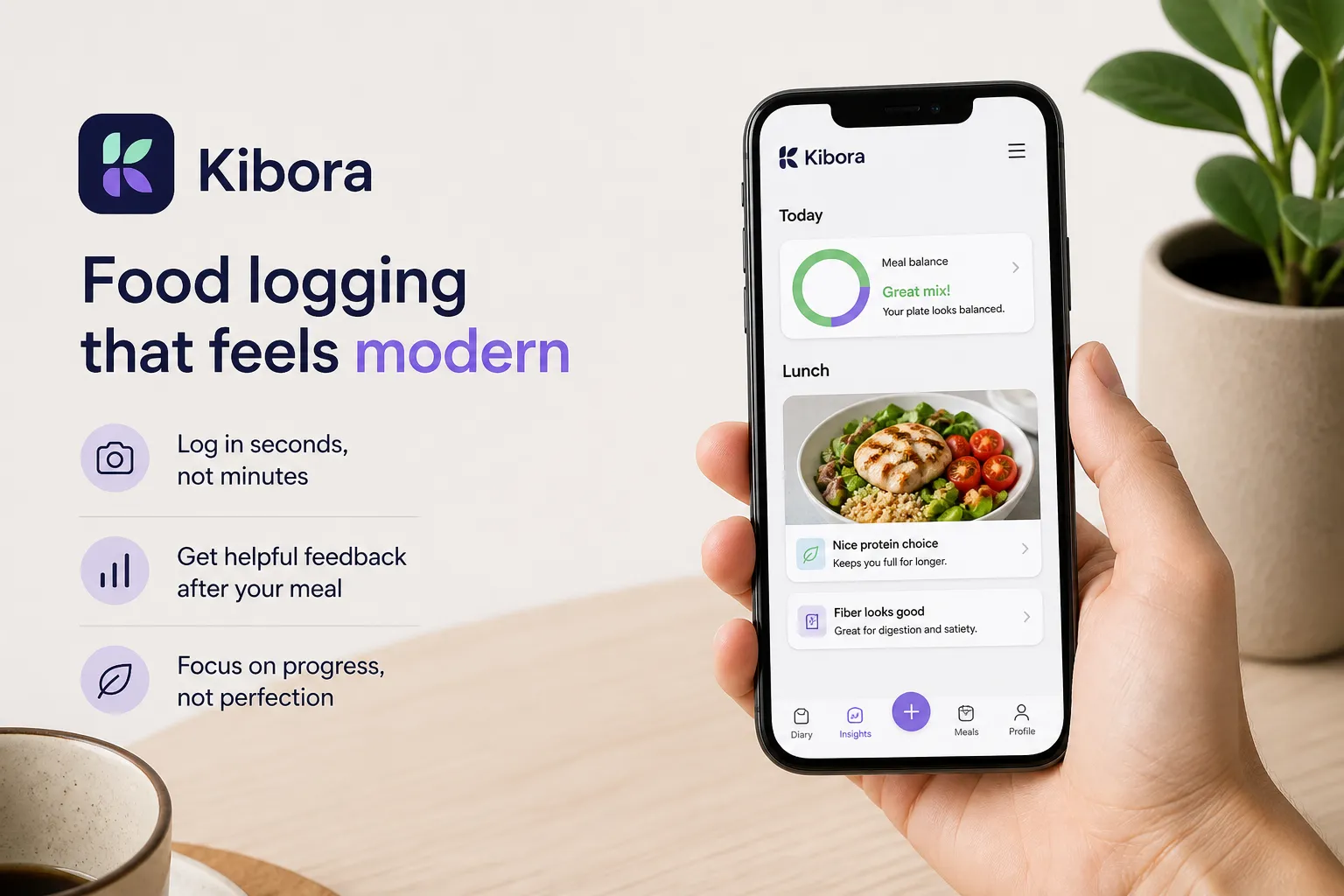
If neither app makes logging a routine you want to keep, Kibora is another option to consider. Evaluate it against the same concrete need: how you enter meals or understand the resulting diary.
Our guide to easier-to-use MyFitnessPal alternatives covers other approaches if neither MyFitnessPal nor Lose It solves your main difficulty.
Pick the app that removes your biggest logging obstacle
Choose MyFitnessPal for free macro targets and web recipe imports. Existing saved meals and working integrations are also reasons to stay if the app already serves you well.
Try Lose It for its calorie-budget and meal-history workflow, or ad removal without a full membership. Treat its Lifetime offer as a separate purchase decision once you know you want to keep using it.
For barcode, photo or voice entry, compare the paid experience: both apps reserve these tools for Premium, and their standard annual prices match. Test the task that currently frustrates you before paying or rebuilding your diary.
- Key sources
- MyFitnessPal: free features, Premium features, pricing, checked foods and device integrations.
- Lose It: logging and setup guide, membership tiers and pricing, food-data corrections and ad-removal terms.
- Google Play user feedback: MyFitnessPal and Lose It.
- Apple App Store: Lose It's US purchase listing.